

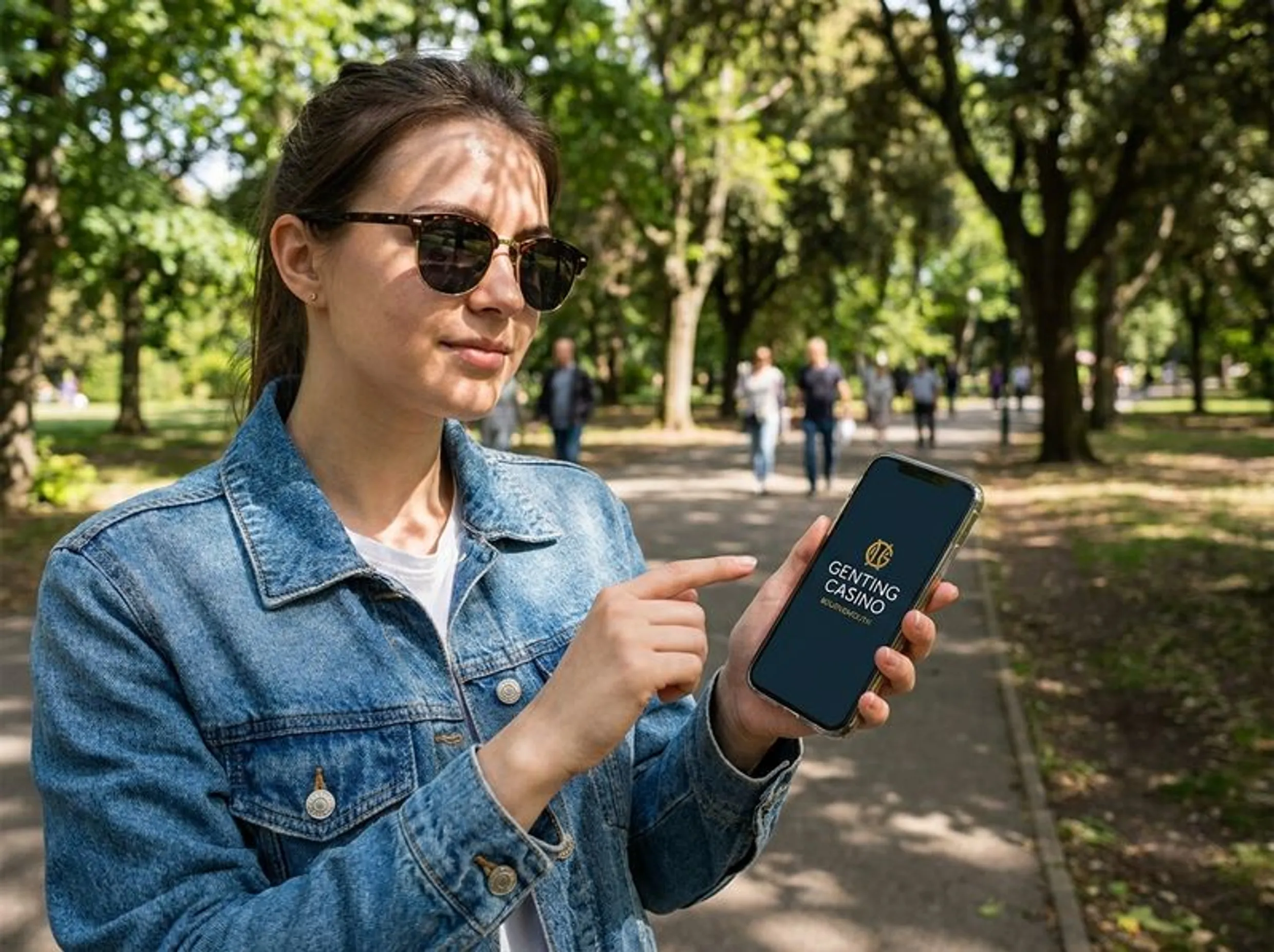
Getting Started with My Genting Membership
When you sign up for Genting Casino Bournemouth, what you are really doing is joining the My Genting Member programme. You can still walk into the venue without a card, but life at the door is smoother with one - quicker entry, rewards building from day one, offers that are not visible to casual visitors. Most people prefer to complete the registration from home before turning up, instead of filling forms at the reception desk.
Registration is handled online at gentingcasinos.co.uk/register. On that page you add your personal details, confirm that you are at least 18, and then pass through an identity check. If you are 25 or older and living at a UK address, the system usually completes this check automatically in the background. Those under 25, or anyone who is not based at a UK address, are normally asked to upload a photo ID to get everything fully activated.
One practical detail: the plastic Rewards card is not sent in the post. It is only printed and handed to you at the Bournemouth venue when you turn up for the first time. Take your registration confirmation to 9 Yelverton Road, Bournemouth, BH1 1DA and the membership desk will issue the card and finalise your account.
Creating Your Account Online
The online sign up for My Genting is quite straightforward, but it does follow a set order:
- Go to gentingcasinos.co.uk and choose the Register section.
- Type in your full name, date of birth, and your UK residential address.
- Confirm the age statement to show you are 18 or above.
- Create a password and set your login details.
- Complete the identity check - usually automated if you are 25+ with a UK address, otherwise you upload a valid passport or driving licence.
- Send the form and wait for the confirmation email to land in your inbox.
- On your first trip to Bournemouth, show the confirmation at the membership desk so they can print and hand over your Rewards card.
- Present the card each time you play so points build up and member-only benefits are tracked correctly.
Most people get through this in just a couple of minutes. The only section that can slow it down is the verification step, particularly when document upload is needed and the automated route is not available.
Venue Details
| Detail | Information |
|---|---|
| Address | 9 Yelverton Road, Bournemouth, BH1 1DA |
| Phone | +44 (0)120 229 3188 |
| Venue open | Daily, 10:00 - 04:00 |
| Live gaming | From 15:00 daily |
| Bar | 12:00 - 03:00 daily |
| Dress code | Smart casual |
Genting Casino Bournemouth operates under UK Gambling Commission licence number 537, and the premises licence is granted by Bournemouth Christchurch and Poole Council. For anything general about the venue, that phone line above works, as does the email [email protected].
What the Membership Actually Gets You
There is no fee for signing up. Once your membership card is active, it tracks your play in the venue and converts that activity into rewards points. On top of that, My Genting members see offers and promotions that are not made available to people walking in without registering, which is often the main reason guests sign up before arriving.
The My Genting Rewards programme is set up to cover the full Genting UK estate rather than just Bournemouth. So the same card, and the same pool of points, moves with you if you visit another Genting casino somewhere else in the country. Everything stays connected to a single central account.
There is also the My Genting app on iOS and Android. It lets you check your current points balance, adjust basic account settings, and look through upcoming events. You can complete registration straight from the app instead of using the website if that happens to be easier for you. Even when you do that, you still need to collect the physical card at the venue afterwards.
Registering Through the App
Some players prefer sorting their membership on the phone. The steps are almost the same, just laid out slightly differently:
- Download the My Genting app from the App Store or Google Play.
- Open it, then pick the option to create a new account.
- Enter your name, date of birth, and your UK address.
- Tick to confirm you meet the age requirement and accept the membership terms.
- Complete the identity process in the app - either the automated check or, if needed, by uploading a passport or driving licence photo.
- Wait for the approval message inside the app or by email.
- Go to the Bournemouth casino and pick up your physical Rewards card from the membership desk.
- Link this card to your app profile so that your points, offers and account settings stay in one place.
Using the app is usually more convenient for anyone already doing everything on their mobile. In real terms it does not change how sign up works, it is simply another screen for the same core process.
A general tip that really applies to any casino membership: register in advance instead of doing it at the entrance on a busy night. It removes one extra queue and avoids being held up if the identity checks take a little longer than you expect.